
Two-factor authentication people will use
Published 2026-05-06
A second check people can live with
Two-factor authentication means the mailbox asks for two different proofs. The password is one. The second is something you have with you: a code that changes, or a key you touch. A second check that people turn off, share, or approve without looking does not protect the account. Pick a method the person will still use on a busy morning. A method nobody understands will be switched off the first time it gets in the way.
The second proof is not a second password kept on the same note. It has to live somewhere other than the password. If both proofs sit in one chat message, you are back to a single door. Tell the person what they will see when they sign in, and what to do if a prompt appears when they are not signing in. The answer is to refuse it and change the password. If that sentence cannot be said aloud, the method is too hard.
Codes from an app
An app on a phone shows a short code that keeps changing. You type the code after the password. The code is created on the phone, so it does not travel as a message someone else can redirect. When you set it up, the host shows a setup secret once. Store that secret, or the backup codes, outside the mailbox. If the phone is replaced, you will need one of those to get back in. Set the app up on a phone the person controls.
The weakness of an app is the phone itself. If the phone is lost, stolen, or replaced, the codes go with it unless you prepared a way back. Write the backup codes down before the setup screen closes. Do not photograph that screen and leave the picture in the camera roll. Do not let a colleague enrol their phone on your mailbox so they can help. Their phone then becomes a key to your account. Each person enrols a device they carry.
A text message is weaker
A code by text message is also a second factor, and it is weaker than an app or a key. The message can be redirected to another phone, read on a lock screen, or delayed until the person gives up and approves something else. It is still stronger than a password alone, because a stolen password is no longer enough. If the host offers an app or a key, use one of those. If a text message is the only option, turn it on until a stronger one appears.
A text message feels simple. Simplicity is not strength. The number the message goes to can be moved without your knowledge, and then the codes go to someone else. Do not treat a text message as equal to an app only because both ask for a code. The difference is where the code is born and who can read it on the way. If the team already uses text messages, show an app or a key as the next step and turn it on during a calm day.
A security key
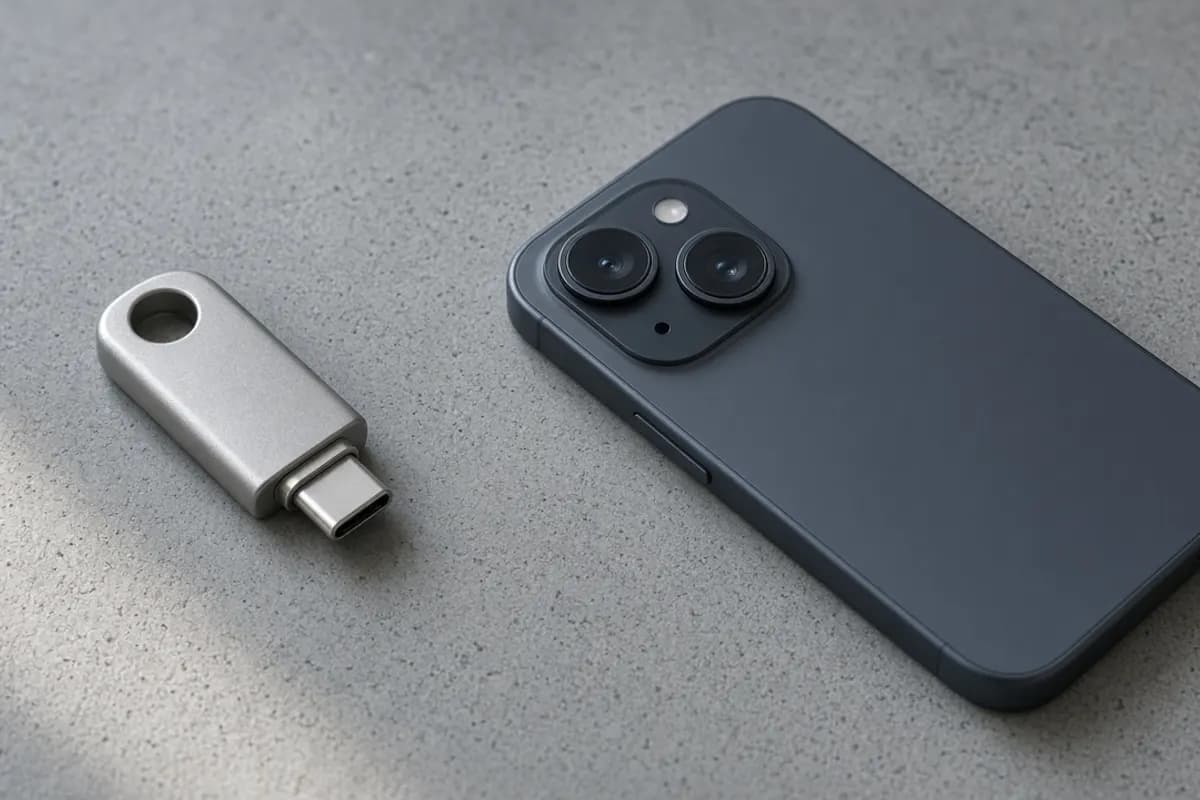
A security key is a small device you touch, plug in, or hold near the computer when you sign in. There is no code to type and no message to intercept. The key does nothing until you present it. For people who will not reliably open an app, a key can be the method they actually use, because the gesture is physical and hard to fake from a distance. Keep a second key in a locked drawer, enrolled on the same account, so a lost key is not a lockout.
A key asks for attention, because people lose small objects. Agree where the spare lives, who may take it out, and how a lost key is removed from the account the same day. A key left plugged into a shared computer is no longer a second factor. It is a button anyone at that desk can press. Unplug it when the sign-in is done. If the company buys keys, buy a class of device the host supports, not a brand to memorise.
Backup codes
Backup codes are one-time codes the host shows when you turn a second factor on. They are the way in when the phone is gone and the key is at home. Each code works once. Store them somewhere you can open without the mailbox and without the phone. A note inside the mailbox is useless on the day you are locked out. A sealed envelope in a known drawer, or a field in the password manager, both work. Tell one colleague where the envelope is, not what the codes say.
Treat backup codes as passwords. Do not paste them into a chat, a ticket, or a slide. When you use one, mark it used, and if the host allows it, generate a fresh set and store that set in place of the old. If a person leaves, their second factor and their backup codes should leave with their access. If you suspect a code was copied, generate a new set so the old one stops working. The spare path is real, and it is guarded. Do not leave a set on a shared printer.
A method they will still use next month
People drop a second factor when it surprises them. Enrol on a calm day, not in the middle of a payment. Show the prompt they will see, and tell them to refuse any prompt they did not just start. A prompt while they are reading mail, not signing in, is a reason to stop and change the password. Agree a short rule: we do not share codes, we do not approve a prompt we did not start, and we do not turn the second factor off for a guest.
A shared mailbox needs its own second factor, held by the people who run it, with a spare key or spare codes beside the other shared secrets. A guest who needs a day of access should get a short-lived path the host allows. A code sent to a guest cannot be taken back. Review the method when someone changes phone, goes on long leave, or leaves. This note states no figure for how many people adopt a method. It asks only that the method still fits the team next month. This is general workplace information, not legal advice.