
Travelling with a work laptop
Published 2026-09-15
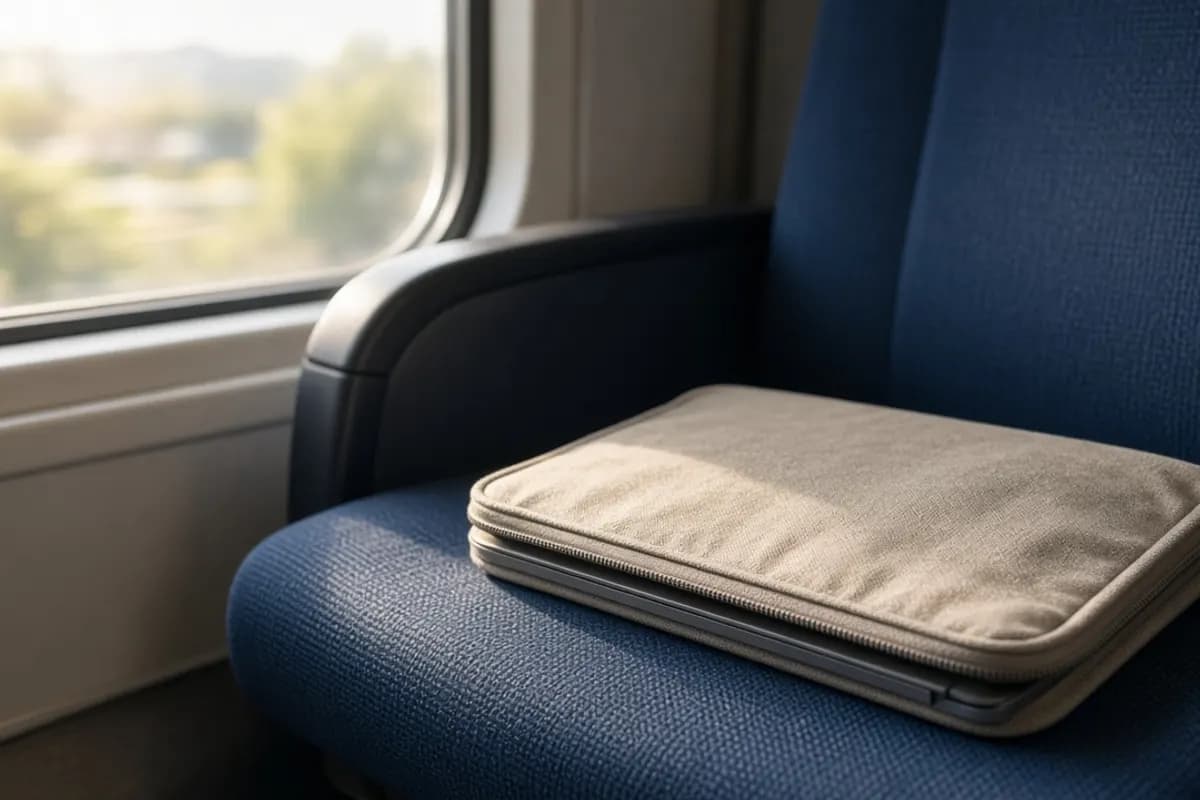
The laptop leaves the building
A work laptop on a trip is the same machine as the one on the office desk. It holds the mailbox, files, and often a saved way back into other accounts. The protections that matter are ordinary, and they have to be in place before the bag is closed. This page is general practice. It is not legal advice, and it does not describe what an official in any country may ask to see. Follow your organisation's own instruction for a border or a client site, and carry less data than the trip strictly needs.
Take the time the evening before. Lock, encryption, and updates are miserable to invent in a departure lounge. A password on a sticker on the lid undoes the rest of this page, so if one is there, remove it and change that password. Decide which files the trip actually needs. Scans of identity documents for the whole staff do not need to travel because a meeting might turn into a contract. Leave them in the place you already use for that material.
Lock the screen
Set the screen to lock quickly when the lid closes or when you step away, and use a lock that is not a date everyone around you could guess. Lock it yourself when you stand up, rather than waiting for the timer. A locked screen stops a casual opener. It is not the same thing as a machine that is switched off.
Sleep sits between those two states. On many systems a sleeping laptop still holds the means to read the disk in memory, while a machine that has been shut down must be unlocked with the passphrase before the files are readable, if the disk is encrypted. You do not have to memorise the engineering. Treat a sleeping laptop on a cafe table, in a car, or in a hotel room while you are at breakfast as still signed in enough that you would not want to leave it. Shut it down when you cannot watch it for a longer stretch.
Encrypt the disk before you go
Full-disk encryption is a practice you turn on while you still have the machine, not a wish you make after it is gone. The idea is plain. Someone who takes the switched-off laptop gets the files only if they also have the passphrase. Turn it on, confirm in the system settings that it is on, and make sure you can type the passphrase without looking at a note in the bag. If the system offers a recovery key for the disk, store that key away from the laptop, with the other recovery material, not in a file on the disk itself.
Encryption does not help a laptop that was left unlocked and awake, and it does not stop someone from using a mailbox that is already open on the screen. It helps the case you can prepare for: the bag is gone, the machine was off, and the files should stay unreadable. Do the preparation on a calm day at the office. A first-time encryption of a full disk can take a while, and a departure morning is the wrong while. If you are unsure whether it is already on, look before you travel, and ask the person who looks after the machines if the setting is not one you recognise.
Updates before departure
Install the system's own updates before you leave. A trip is a bad moment to discover that the machine wants a large update on a hotel network, and it is a bad moment to still be carrying a flaw the update would have closed. Accept updates from the system itself. Do not install a program because a page on the venue's network, or a pop-up in the browser, says the machine is out of date. That prompt is not your system speaking.
The same calm hour is a good time to sign the mailbox out of browsers you will not use on the trip, and to check that a second step is on for the mail account. If the laptop is lost, the second step is what keeps a saved browser from being the whole company. Backup codes for that second step stay at the office or in the password manager, not in a folder named for the trip. You want to be able to lock the account from another device without needing the device that is missing.
If the laptop is lost
If the laptop is gone, use another device. Change the mailbox password. Sign out other sessions if the mail service lets you. Tell the person who runs the company's mail the same day, and say whether the machine was locked, asleep, or shut down, and whether the disk was encrypted. Those facts change what else must be rotated. If the screen was unlocked or the disk was not encrypted, change the passwords that were saved on the machine, starting with mail and anything that can pay. A remote lock or wipe helps only if it was set up before the trip. Turn that on, if you are going to, while the laptop is still in the building.
Tell your organisation in the way they have asked you to. They may want a report to a local authority for an insurance process. That is their process. This page does not tell you what you must file, or what anyone may legally demand at a border. Do not announce passwords while you report the loss. Do not send a list of what the machine held to a wide group. The people who need to rotate secrets are a short list. Everyone else needs to know that the laptop is missing and that they should not trust a sudden mail from you that asks for a payment change.
Do not leave a session open
Do not leave the laptop signed in while you order, while you take a call in the corridor, or while you go to breakfast. A minute is enough for a bag to move. Hotel rooms are not a safe on their own, and a safe in the room is only as good as the way it locks and who else can open it. Use it if you have it, and still shut the machine down. A car is a poor store, including the boot. If you would not leave your wallet open on the seat, do not leave the mailbox open on the seat.